

Kochava for Advertisers > Kochava MCP

Kochava MCP Works Across AI Work Platforms


Are you chasing data instead of acting on it?
Between checking campaign performance, pulling reports, and setting up trackers, marketers spend too much time moving between tools. Without a connection to your measurement data, even your favorite AI assistant can leave you doing the heavy lifting.
The Kochava MCP brings your data and supported actions into your AI workflows, helping you spot opportunities sooner and reduce the busywork standing between insight and action.
No Kochava account needed to start. Create a free one right in your AI chat.
Find Us in the TikTok for Business Agentic Hub
The Kochava MCP is a trusted third-party measurement partner within the TikTok for Business Agentic AI Hub.
Do More With Kochava MCP
Scrutinize performance
Query your app data, attribution, performance, and insights through conversational AI.
Get quicker insights
Streamline campaign analysis and surface timely insights so optimization decisions come faster and smarter.
Simplify ad ops
Manage campaigns, trackers, and segments with full read and write control, directly from your AI tool, without logging into the Kochava UI.
Kochava MCP is easy to use with Claude Desktop, Claude Code, Cursor, VS Code with GitHub Copilot, StationOne, and more.
Ask Your AI Agent:
“Are my UA campaigns on track to hit my growth goals?”
“Show me my worst and best performing ad groups.”
“Go ahead and pause ad groups with 0 conversions in the last day.”
“Reallocate the budget from my paused ad groups to my best one.”


Your Agentic Advertising Power-Up
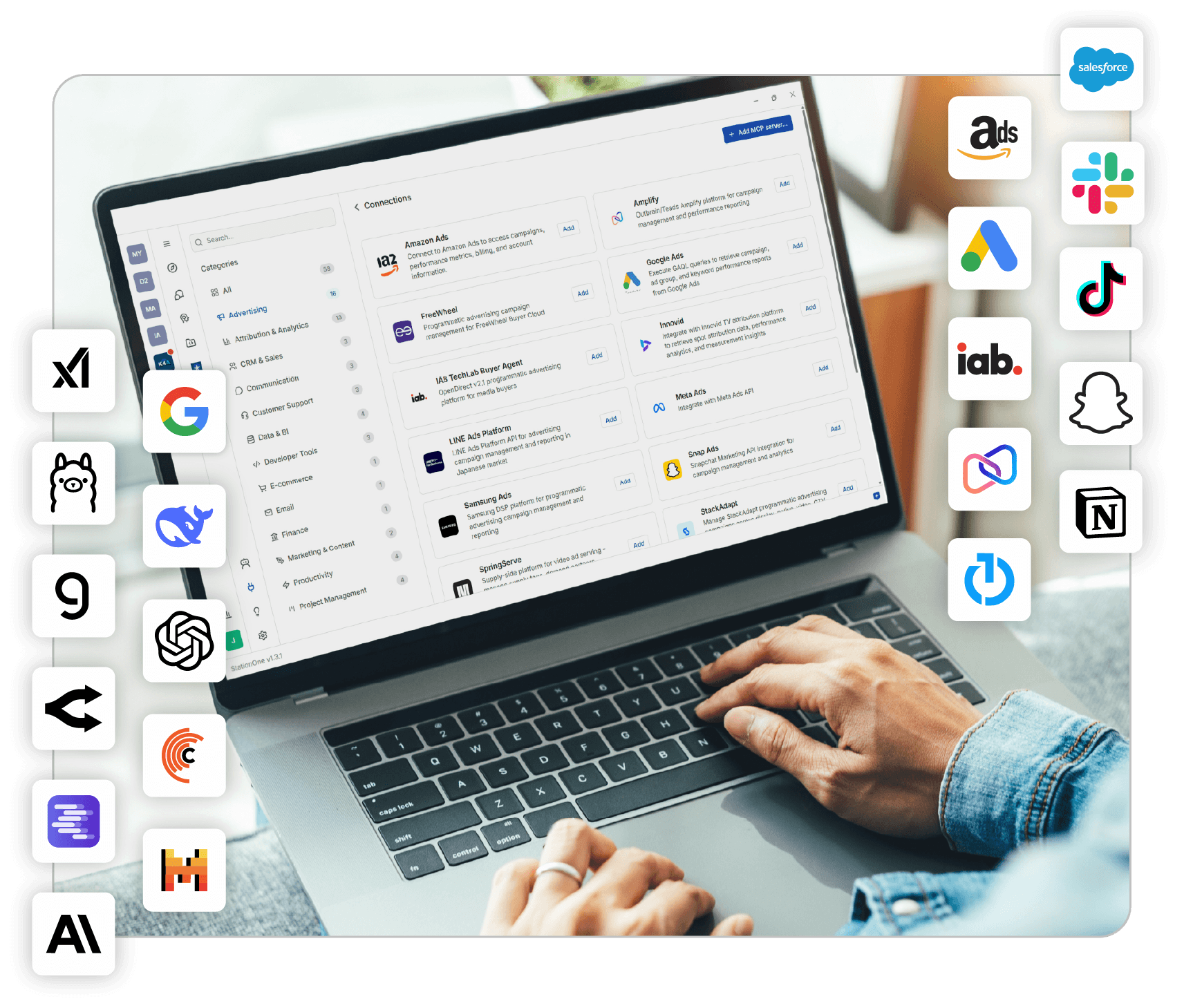
StationOne is the AI harness purpose-built for marketers. Bring Kochava, your media mix, and your martech stack into one governed workspace, with advertising context built in.
The StationOne Difference
What makes StationOne better than generic AI work platforms?
Advertising Context & Standards Built In
Skills and workspaces carry adtech knowledge and IAB standards, so outputs start from how the industry works.
MCP Connectors to Your Favorite Platforms
Connect Kochava alongside ad platforms, other MMPs, analytics, and team tools. Work across them in one conversation.
Enterprise-Grade Control & Governance
Choose your AI model, keep human review where you want it, and encode your standards once with skills. Connector credentials stay on your device.
Get Started With Kochava MCP Today
Connect the Kochava MCP server to the AI tools your team already use, or explore StationOne.

Kochava MCP on GitHub
Download the server and follow the setup guides for your AI tool.

TikTok for Business Agentic Hub
Find the Kochava for Advertisers MCP listing in TikTok’s marketplace for AI-powered advertising tools.

MCP Endpoint
Connect any MCP-compatible tool directly with Streamable HTTP.
Kochava MCP FAQ
What is the Kochava for Advertisers MCP server?
The Kochava for Advertisers MCP server is a Model Context Protocol server that lets AI tools query live Kochava attribution data, create reports, configure partners, and manage campaigns, trackers, and segments. It connects over secure Streamable HTTP and works with any MCP-compatible AI tool.
Which AI tools work with the Kochava MCP?
The Kochava MCP is easy to use with Claude Desktop, Claude Code, Cursor, VS Code with GitHub Copilot, and StationOne, and it can connect to other MCP-compatible tools and custom-built agents. You can find setup guides for several of these in the GitHub README. If you have questions about using the Kochava MCP with AI tools not listed here, please contact us.
Do I need a Kochava account to get started?
No. Two public tools let you create a free account and get your API key directly in AI conversation. Add the key as the authentication-key header to unlock all 30 tools. Free App Analytics includes 30 days of data retention, with an upgrade path to Enterprise using the same API key.
How much does it cost to use the Kochava MCP?
The Kochava MCP is free to use. Create a Free App Analytics account or connect your existing Kochava account, whether free or paid. Your AI work platform or model provider may charge for LLM usage, such as token-based fees.
Can the Kochava MCP make changes, or only read data?
Both. Read tools cover analytics, reporting, and report queries. Write tools let agents create and update campaigns, trackers, and segments. A comfortable way to begin is with read-only analysis, adding automation as you get familiar, with human review steps set in your AI tool or StationOne.
How is StationOne different from connecting the MCP to another AI tool?
StationOne is Kochava’s AI harness purpose-built for advertising. It adds industry context, ready-made workspaces and skills, and MCP connectors across your media mix. A general AI tool connected to the Kochava MCP gets your Kochava data and controls.
How is access to my data controlled through Kochava MCP?
Data tools require your Kochava API key, sent as the authentication-key header. Without a key, only the two free account signup tools are available.
Have questions or want to see the product live?
Request a demo or get started by reviewing our pricing options.