Effective marketing governance starts with a complete audit trail
TL;DR Summary
The Kochava Audit Report has been significantly expanded to give app marketing teams a more comprehensive, field-level record of every change to your Partner Configurations—the postbacks and reconciliation settings that control how attribution data flows to your network partners. New capabilities include before/after difference for every configuration edit, human-readable resource names, full snapshots of deleted resources, and 13 months of queryable history, well above the 90-day industry norm. Whether you’re troubleshooting a postback disruption, tracking down an unintentional change, or preparing for a compliance audit, the updated Audit Report is designed to get you to answers faster.
For additional details, consult the related Audit Report support documentation. For a demo, contact your Client Success Manager or email support@kochava.com.
When a postback suddenly stops working and campaign optimization takes a hit, one of the first questions on any app marketer’s mind is Did someone make a change in our account? It’s a scenario most teams have encountered at one point or another. Having fast, reliable access to a complete and detailed audit trail of account activity makes the difference between a quick resolution and an extended investigation.
The Kochava Audit Report is built for exactly this purpose, and new enhancements bring deeper field-level detail to your Partner Configuration changes, along with industry-best audit log retention and one-click export.

What Is the Kochava Audit Report?
App marketing operations are complex. At any given time, a single app within your Kochava account may have:
- Dozens of active trackers
- Postback configurations sending data to multiple ad network partners
- Fraud prevention rules governing attribution eligibility
- Lookback window settings affecting which installs and events get attributed
- and more
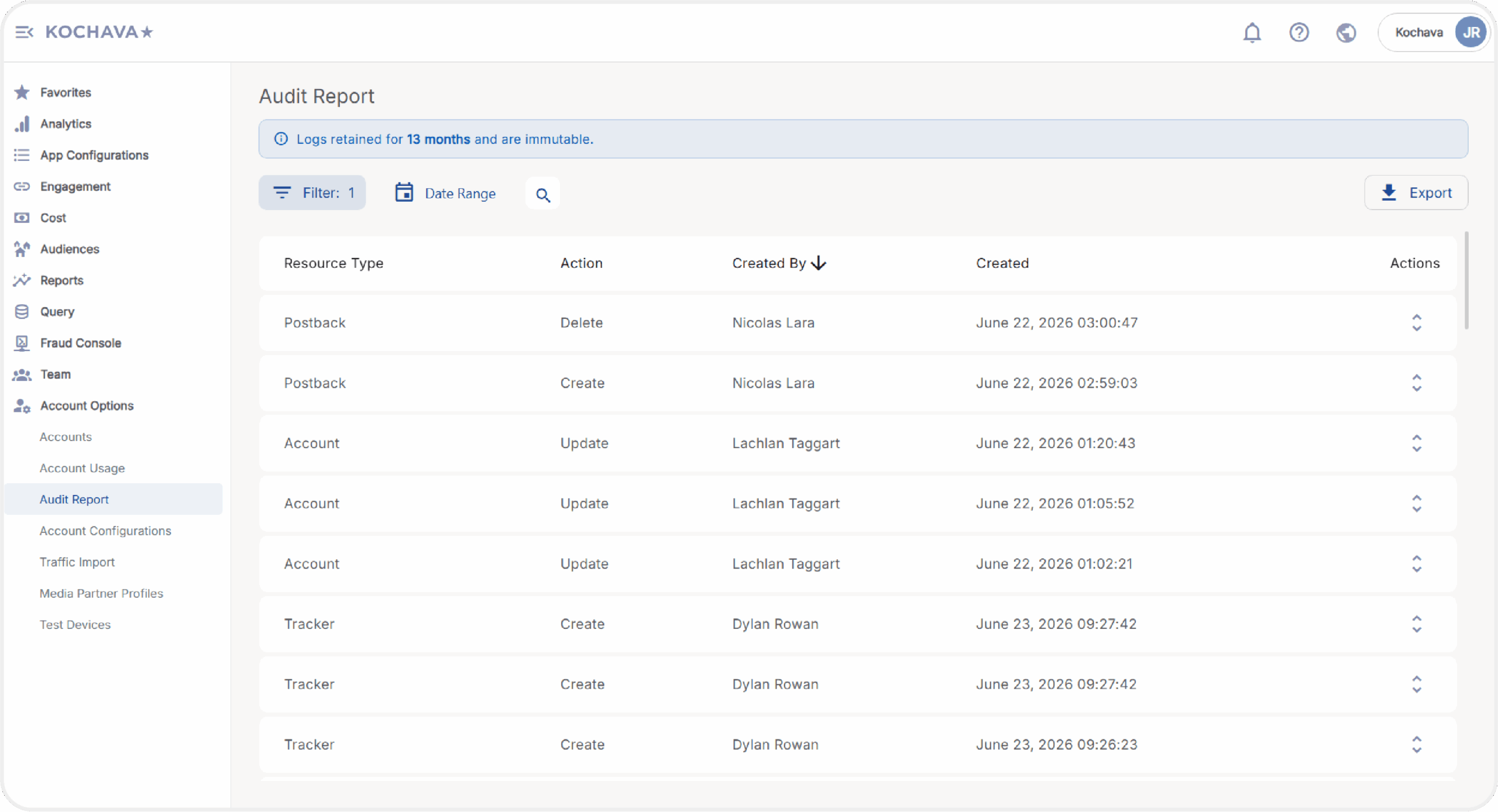
Any of these settings can be modified, with potential downstream effects on attribution accuracy, partner data syndication, and campaign performance.
The Audit Report answers the questions that matter most when something needs to be investigated: what changed, who changed it, when did it change, and what did the configuration look like before? For teams operating at scale across multiple apps and marketing partners, this kind of governance infrastructure is foundational. Diagnosing data discrepancies, responding to compliance requests, or tracking down a configuration change is fast and straightforward with a complete audit trail in place.
For additional details, consult the related Audit Report support documentation.
What’s New
The Kochava Audit Report now delivers a level of detail and retention that represents an industry-best for mobile measurement partner (MMP) platforms. The updates give app marketing teams and their organizations a new standard of visibility into Partner Configuration changes, covering the ones that matter most to daily operations, partner data flows, and compliance requirements.
Before/After Field-Level Differences
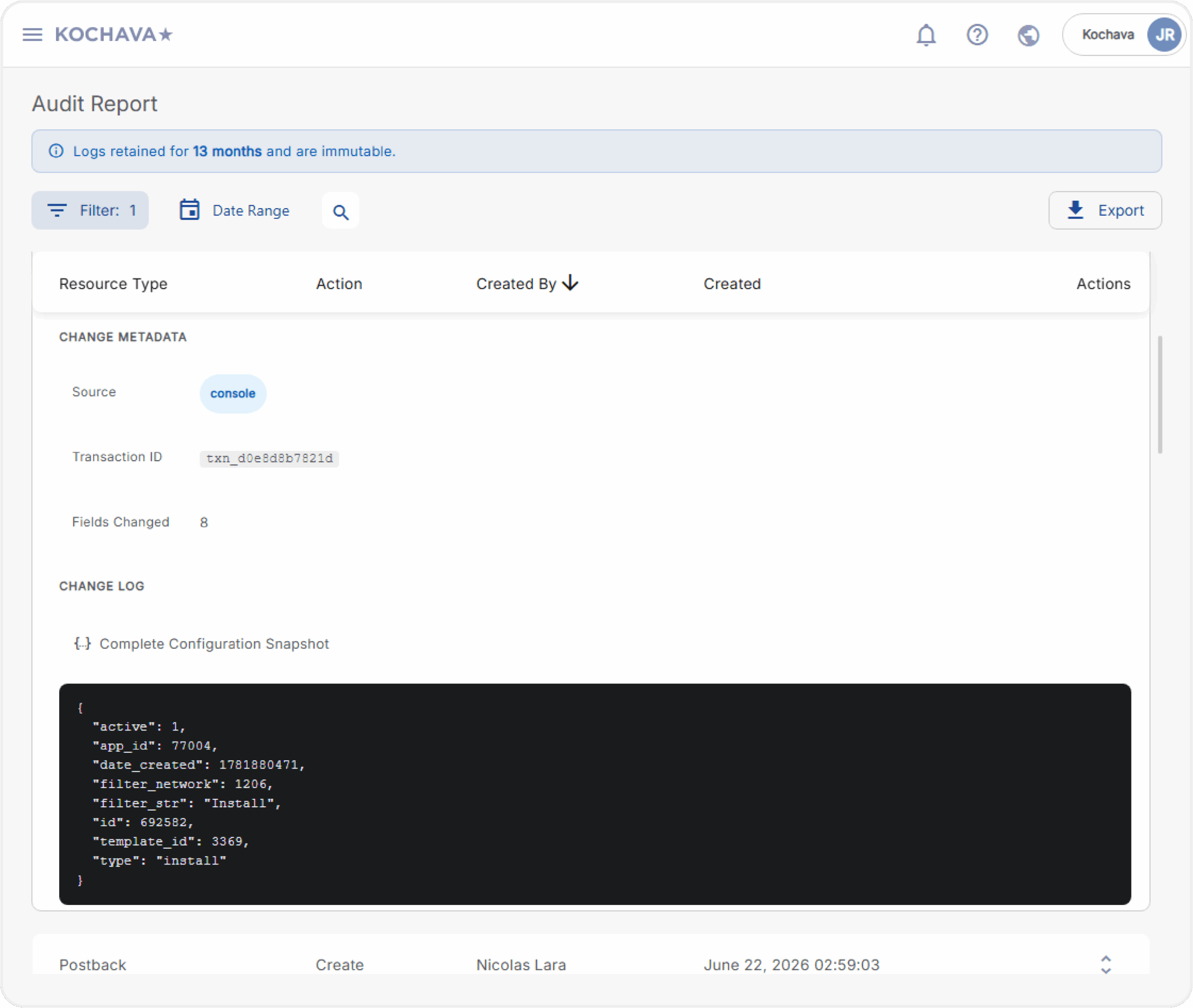
Every recorded change includes a side-by-side comparison of the exact fields modified, with previous and updated values clearly displayed. If a postback event type was changed or fraud filter threshold adjusted, the record reflects this precisely.
 Human-Readable Resource Names
Every log entry displays the actual resource name rather than a raw system identifier, making records immediately interpretable without any additional lookup. This applies even to resources that are deleted; the name is preserved in the historical record.
Snapshots of Deleted Resources
When a postback or configuration is deleted, when possible, the audit log captures a snapshot of the resource prior to deletion. If a configuration is removed accidentally, the record is available for support to reference and assist with rebuilding.
13 Months of History
Kochava provides 13 months of searchable, filterable audit log history directly in the dashboard. Most industry audit log implementations retain only 90 days of history. The Kochava Audit Report’s extended window is directly relevant for compliance teams working toward SOC 2 or GDPR documentation requirements.
 CSV and JSON Export
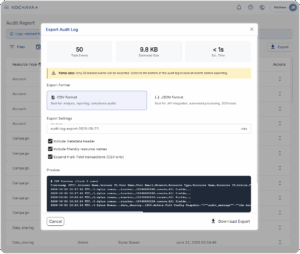
Filtered results can be exported in either CSV or JSON formats, covering up to 10,000 events per export, suitable for auditor submission or internal review.
Audit Report Use Cases
Diagnosing a postback disruption: Attribution data to a partner network stops flowing. You open the Audit Report, filter by the relevant postback, and identify that an event mapping was modified 2 days earlier. The before/after diff shows exactly what changed, and the path to resolution is clear.
Supporting a compliance review: Ahead of a SOC 2 audit, your legal or InfoSec team needs documentation of configuration changes over the past year. You set the date range, apply the relevant filters, and export a structured record that covers the full window.
Recovering a deleted configuration: A postback is accidentally deleted. The complete configuration is preserved in the audit record as a snapshot taken prior to deletion, giving support a clear reference point to assist with reconstruction.
Getting Started
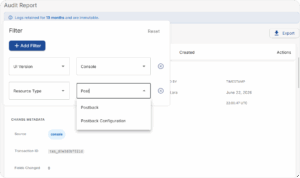
The updated Audit Report is now available in your Kochava account. Account administrators can access it directly from the dashboard. A useful starting point is to filter by resource type, then click into individual change records to review the before-and-after details.
If you have questions about the updated capabilities or would like a live tour with our team, please contact your Client Success Manager or email support@kochava.com.
New to Kochava? Contact us to learn how we can help you.