Get started with the Media Buying Workspace for Meta inside StationOne by Kochava
TL;DR Summary (click to expand)
The Media Buying Workspace for Meta is now live in StationOne, the integrative AI hub and orchestration layer from Kochava. App marketers can use the agentic advertising workspace to harness the power of the ads MCP server from Meta. Out-of-the-box AI agents, skills, and assistants fast-track agentic campaign workflows across Facebook, Instagram, Messenger, and Audience Network.
This collaborative workspace brings measurement and campaign management into one environment, managed in plain language, with no Ads Manager and no learning curve. Recommendations are smarter than with a generic MCP integration, as every performance insight and optimization recommendation is grounded in your Kochava attribution data. AI-powered interactions are advisory by default, yet configurable to act, with human-in-the-loop checkpoints.
Install the workspace free from the StationOne gallery | Download StationOne
Manage Your Meta Ads Where You Measure Them
For over a decade, Kochava has been the source of truth for what your Meta spend actually produces—attributed user acquisitions, growing lifetime value (LTV), revenue per user, multi-touch attribution, and media mix synergies. The Media Buying Workspace for Meta brings this measurement intelligence together with campaign management in one AI-powered environment.
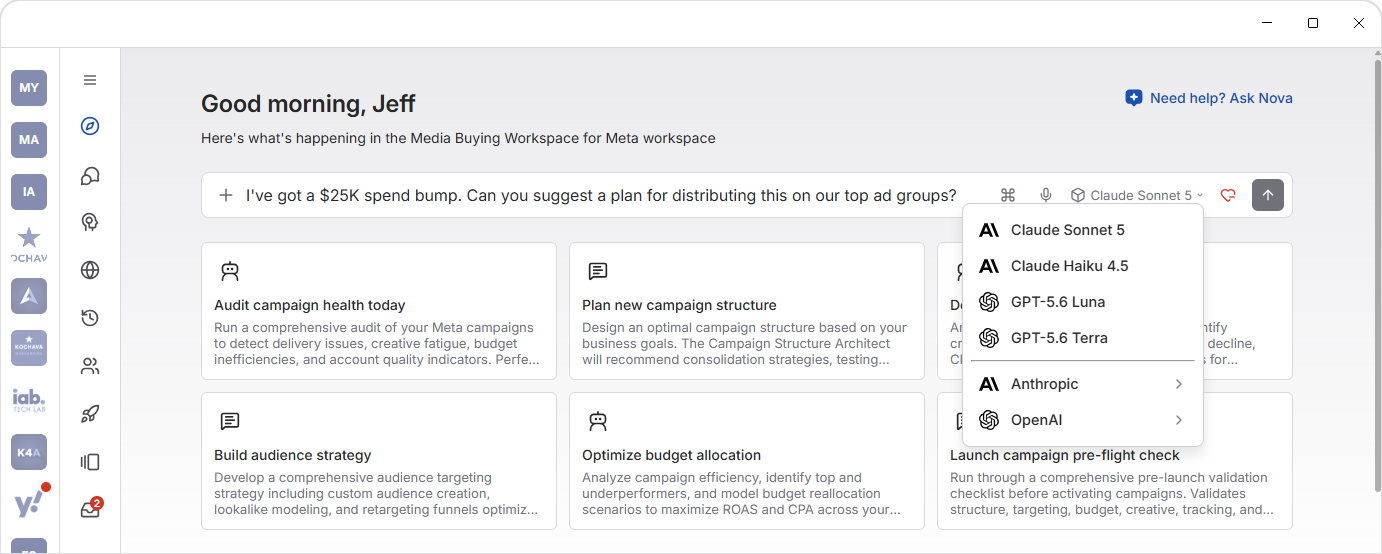
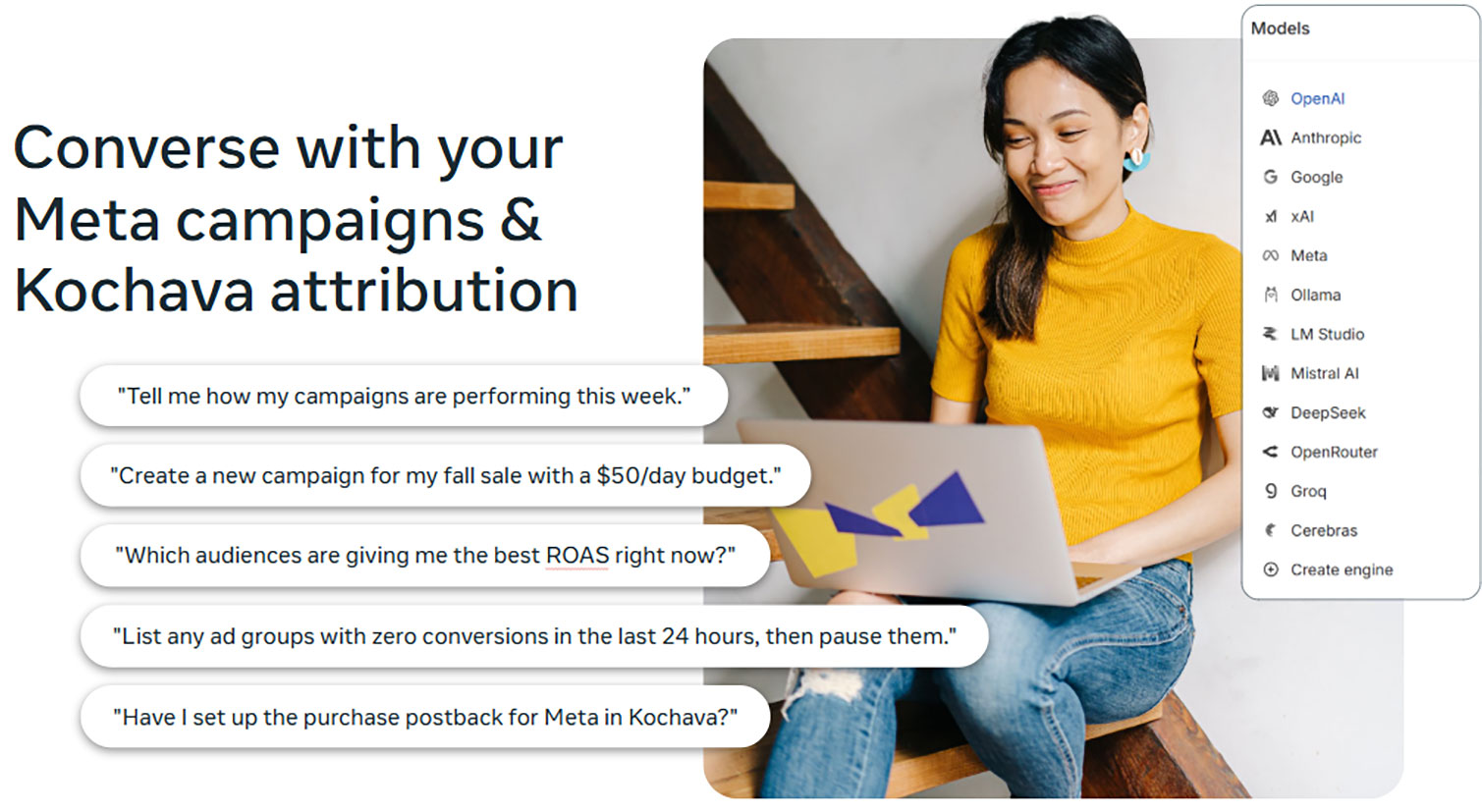
Built on the ads MCP server from Meta, the Media Buying Workspace for Meta inside StationOne lets you monitor, model, and manage your Meta campaigns in the same environment that measures them. In other words, the specialists watching your campaigns can also act on them—create a campaign, shift a budget, pause a fatiguing ad—without your leaving the tool that tells you whether it’s working. And you drive it all in natural language, describing the outcome you want, not the clicks to get there.
How It Works: Three Kinds of Specialists, One Workspace
The workspace is organized into three kinds of specialists, each suited to a different job.
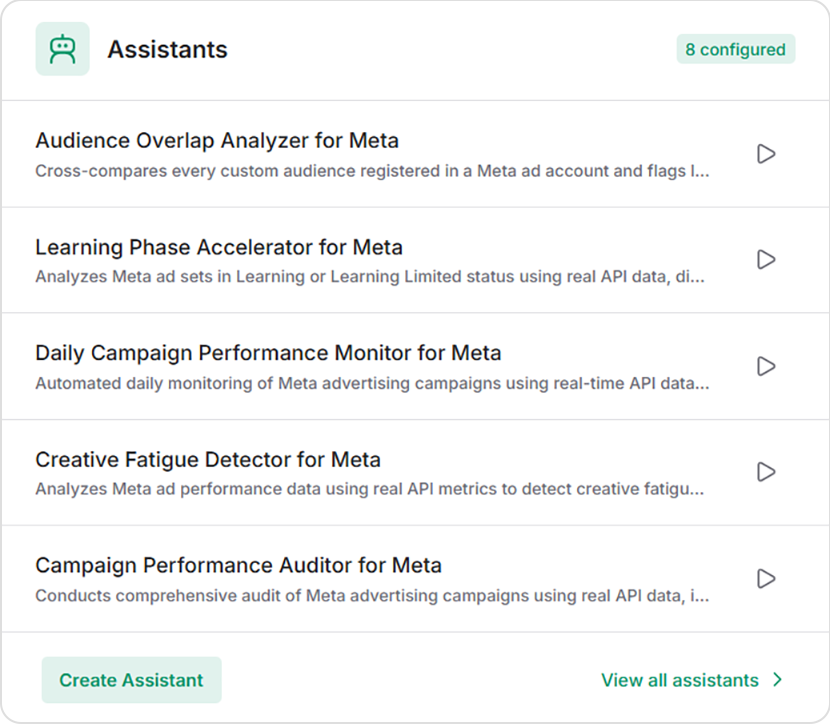
Assistants
8 configured and ready to use
Assistants are autonomous workflows that run on a schedule.
They can help you monitor campaigns, audit accounts, detect ad fatigue, and hand you prioritized findings.
Under the hood, they query real-time Meta API data and, when connected, your Kochava attribution.
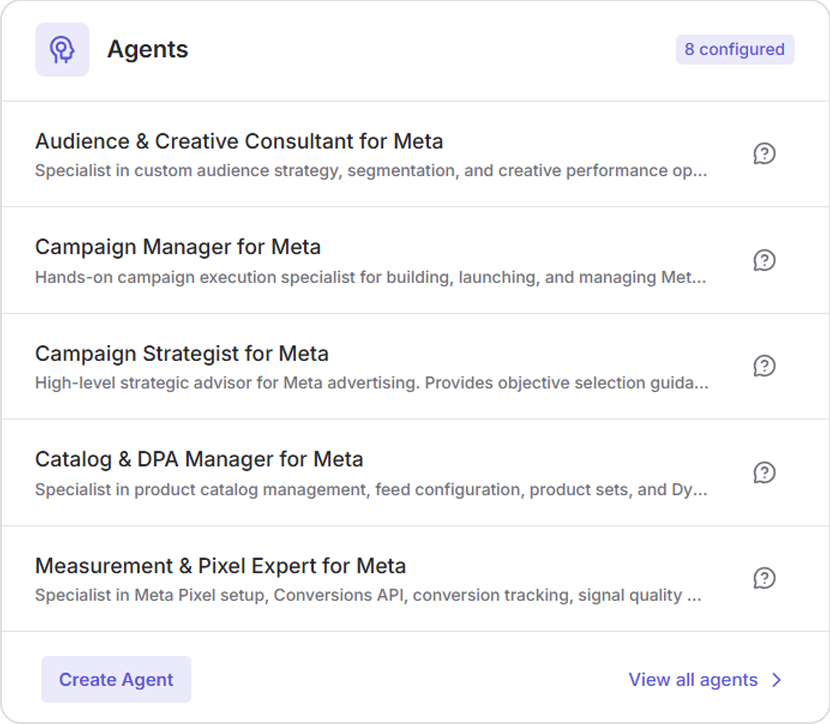
Agents
8 configured and ready to use
Agents offer deep-reasoning sessions with trained experts for complex work.
Engage agents for campaign creation, catalog management, pixel and experiment setup, audience building, and more. Think of these as expert ad ops helpers.
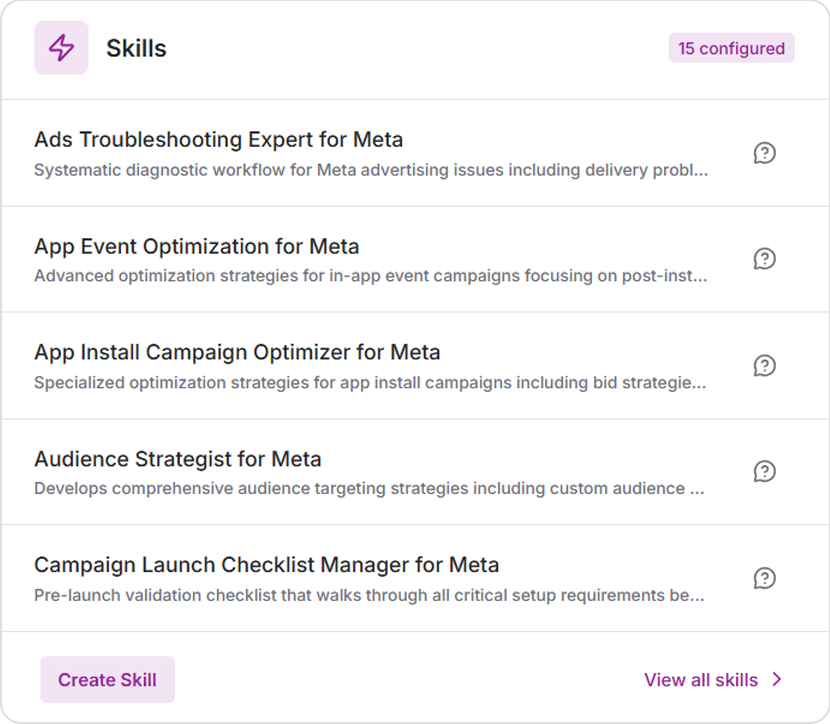
Skills
15 configured and ready to use
Skills are quick-action workflows, preconfigured for one task so they run consistently every time. Use skills for campaign launch validation, troubleshooting, audience strategy, and more.
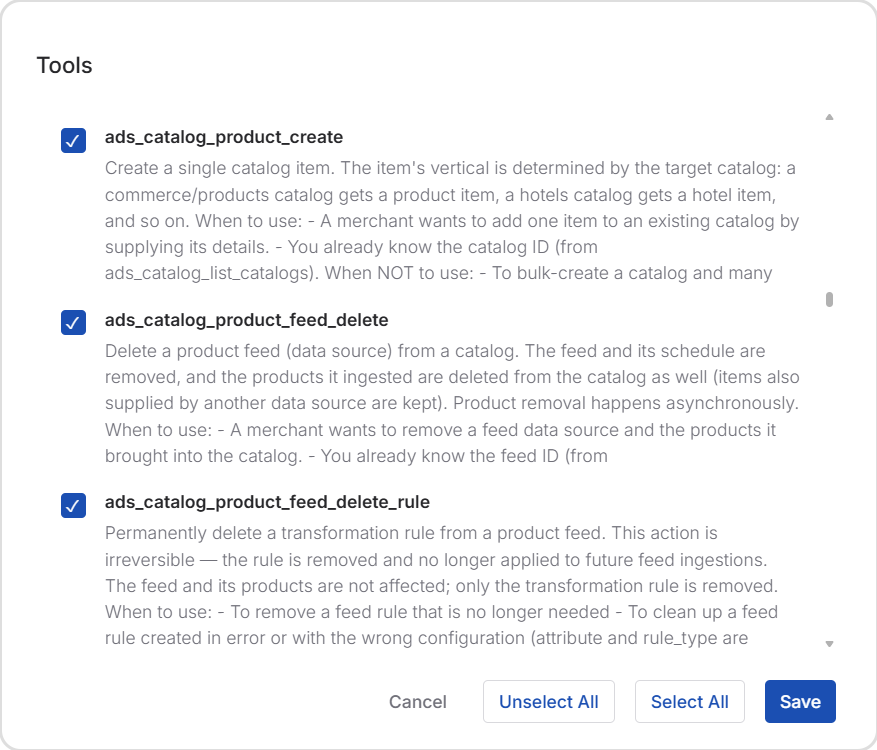
The Ads MCP connector reaches across the full Meta Ads surface—campaigns, audiences, catalogs, creative, signal diagnostics, experiments, and reporting. The majority of tools within the MCP simply look at your account and report back insights, recommendations, status, and the like. A smaller subset can take action on your behalf (e.g., create, update, delete); however, none runs without your say-so unless you turn it on.
Why These AI Recommendations Are Different: Your Kochava Data
The ads MCP server from Meta is available to any platform that connects to it. What makes this StationOne workspace different is what sits underneath. Every entity can securely engage your authenticated Kochava attribution data (e.g., LTV, multi-touch reporting, omnichannel context), meaning the actions it recommends are grounded in your closed-loop measurement, not a platform-native proxy.
Your best campaign by Meta-reported ROAS might look quite different when graded against your 90-day LTV in Kochava. When the Budget Optimizer models a reallocation, “top performer” means the campaign driving customers with real lifetime value—not the one with the most flattering last-click CPA. While other MCP integrations manage your ads, this implementation manages them knowing what’s actually driving your business outcomes.
You’re In Control. Advisory by Default. Configurable to Act.
Every workspace element across agents, assistants, skills, and more ships in advisory mode. They analyze, model, and recommend; they do not change your campaigns unless you configure them to. This means you can install the workspace and get value immediately, with zero risk of an agent touching a live account before you’re ready.
Enabling write access is a per-entity choice, and a human confirmation gate can sit in front of any write operation—you approve the change before it happens. You decide what runs autonomously and what pauses for sign-off. Not a black box, but a controlled system you configure to your comfort.
Getting Started With the Ads MCP Server for Meta
The fastest way to see value is to take the first step. A great starting point is running the Daily Campaign Performance Monitor to get a read on your current performance. Next, you can engage with the Campaign Strategist Agent and explore possible recommendations for campaign optimization. Start with simple insights to get familiarized—no writes, no risk, just your Meta campaigns through a new lens—then build from there.
Get Started
- Download StationOne at stationone.ai/download—the app client runs locally on your machine for full privacy and control.
- Install the Media Buying Workspace for Meta from the gallery (it’s free).
- Connect Ads MCP Server for Meta via OAuth in the MCP Connectors gallery—no Meta API keys or code required.
- Activate the Daily Performance Monitor—your first-win habit.
- Connect your Kochava data when you’re ready—this is where it gets sharper and every entity starts reasoning against your real attribution.
For an initial discovery session, contact your Client Success Manager or email support@kochava.com.
For general StationOne support or inquiries, contact us.
Ads MCP Server From Meta FAQ
Does it cost anything?
No. The Media Buying Workspace for Meta is free in the StationOne gallery.
Do I need my own AI model?
Yes. StationOne is model-agnostic, and you bring your own key (e.g., Anthropic, OpenAI, custom model). Connecting your model is simple and keeps you in full control of your data and token costs.
Will an agent change my campaigns without asking?
Not by default. Every entity is advisory until you configure write access, and a human confirmation gate can sit in front of any write.
What does connecting Kochava data change?
This shifts recommendations from platform-reported metrics to real attribution intelligence from Kochava as your single source of truth.
Can I customize the StationOne workspace?
Over time, yes—StationOne lets power users build their own workspaces around their workflows. Start with the Meta workspace; grow from there.